Widgets that do things
Turn it on, nudge the temperature, all from the Home Screen. No app to open.
Living Room
22°
Room 27.6°
Living Room
22°
Room 27.6°
+−
❄︎ Living RoomSet 22° · Room 27.6°
Climy turns your TCL air conditioner into something you actually like using. On your iPhone, your widgets, Control Center, Siri and the Mac menu bar.
iPhone · Mac · Uses your existing TCL Home account
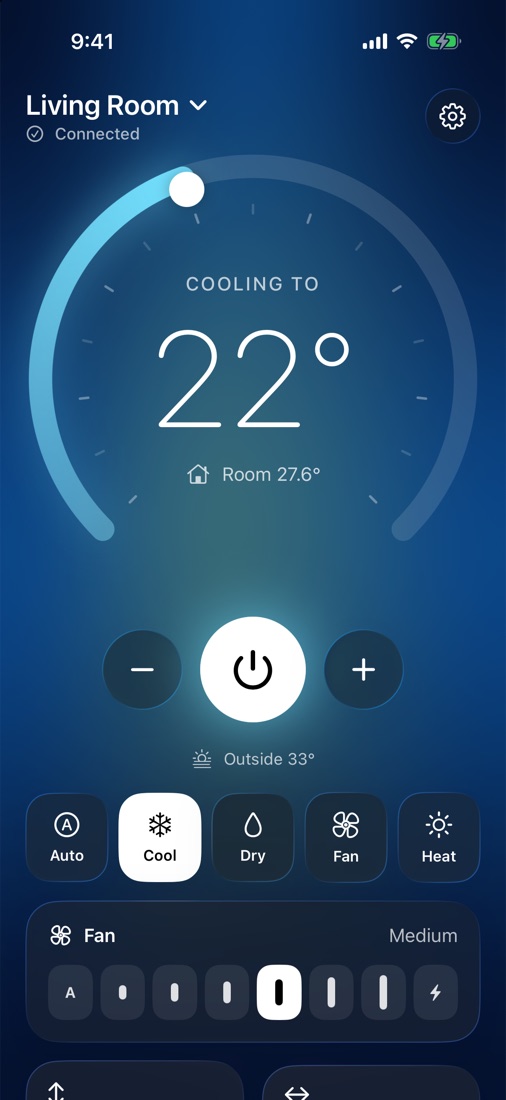
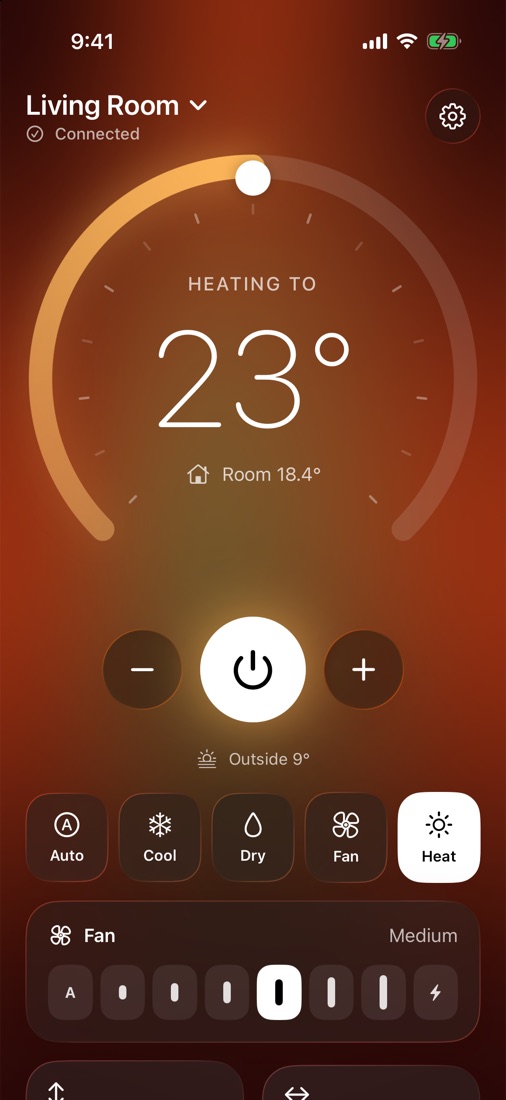
The official app makes you wait. Climy puts your AC where your hands already are, and confirms every change with the unit itself.
Turn it on, nudge the temperature, all from the Home Screen. No app to open.
One tap from anywhere, even on the Lock Screen.
Daily electricity from your unit, the last 7 days at a glance.
Changes appear the moment your AC reports them. If it doesn't confirm, Climy tells you.
A native panel that feels like Control Center: the temperature next to the clock, every control a click away.
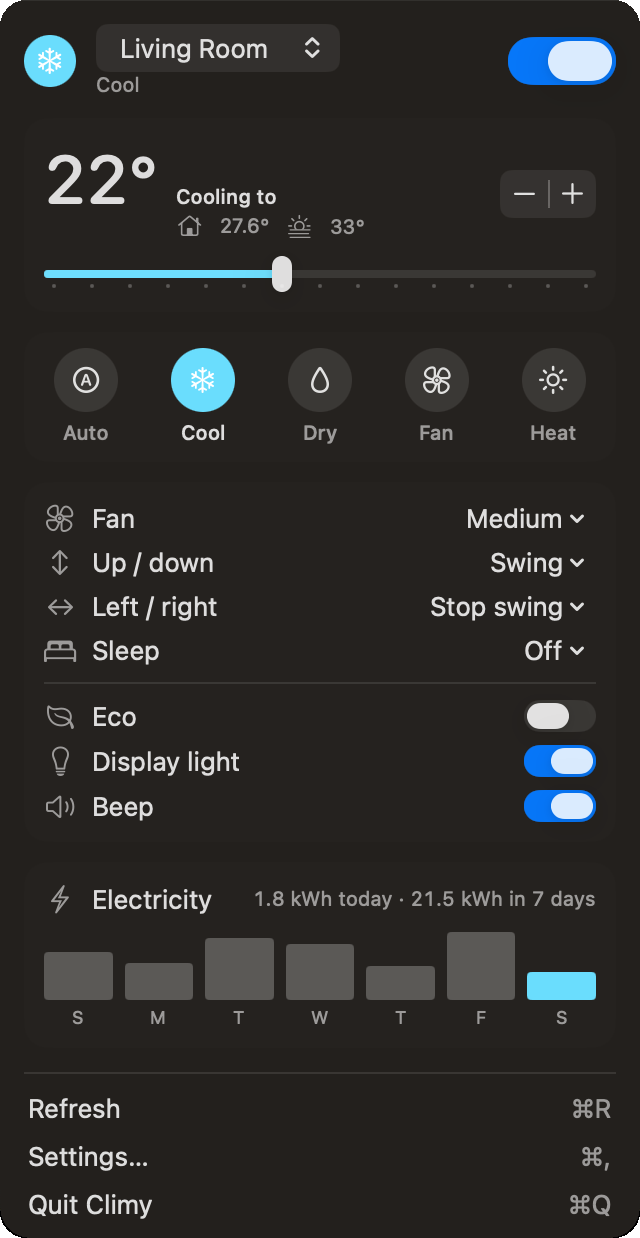
Sign in once with TCL Home. There is nothing else to create or forget.
Kept in your Keychain and sent only to TCL. Never to our servers.
No ads, no profiles, no selling data. Climy is paid for by people who use it.
TCL Wi-Fi air conditioners that already work in the TCL Home app, such as TCL split units. Pair them in TCL Home first; they show up in Climy automatically.
Create a password in TCL Home › Account › Account Security, then use your email and that password in Climy.
No. Climy is an independent app and isn’t affiliated with, endorsed by or sponsored by TCL. It talks to the same TCL cloud your TCL Home app uses.
Only for pairing new units and firmware updates. Day to day, Climy does the rest.
Pricing will be announced at launch. No ads, ever.